Setup steps
Work through the steps below in order. Once you’ve finished the last one, you’ll be ready to move on to configure uploads in CI.Generating Reports
Running XCTests fromxcodebuild produces a .xcresult in an obscure directory by default. You can specify a -resultBundlePath option to generate the results locally:
.xcresult directories directly to Trunk Flaky Tests.
Only XCode versions 16 or higher are supported.
Report File Path
The test reports will be written to the./test-results.xcresult directory when running tests with the -resultBundlePath ./test-results.xcresultoption. You will need this path when uploading results to Trunk in CI.
Try It Locally
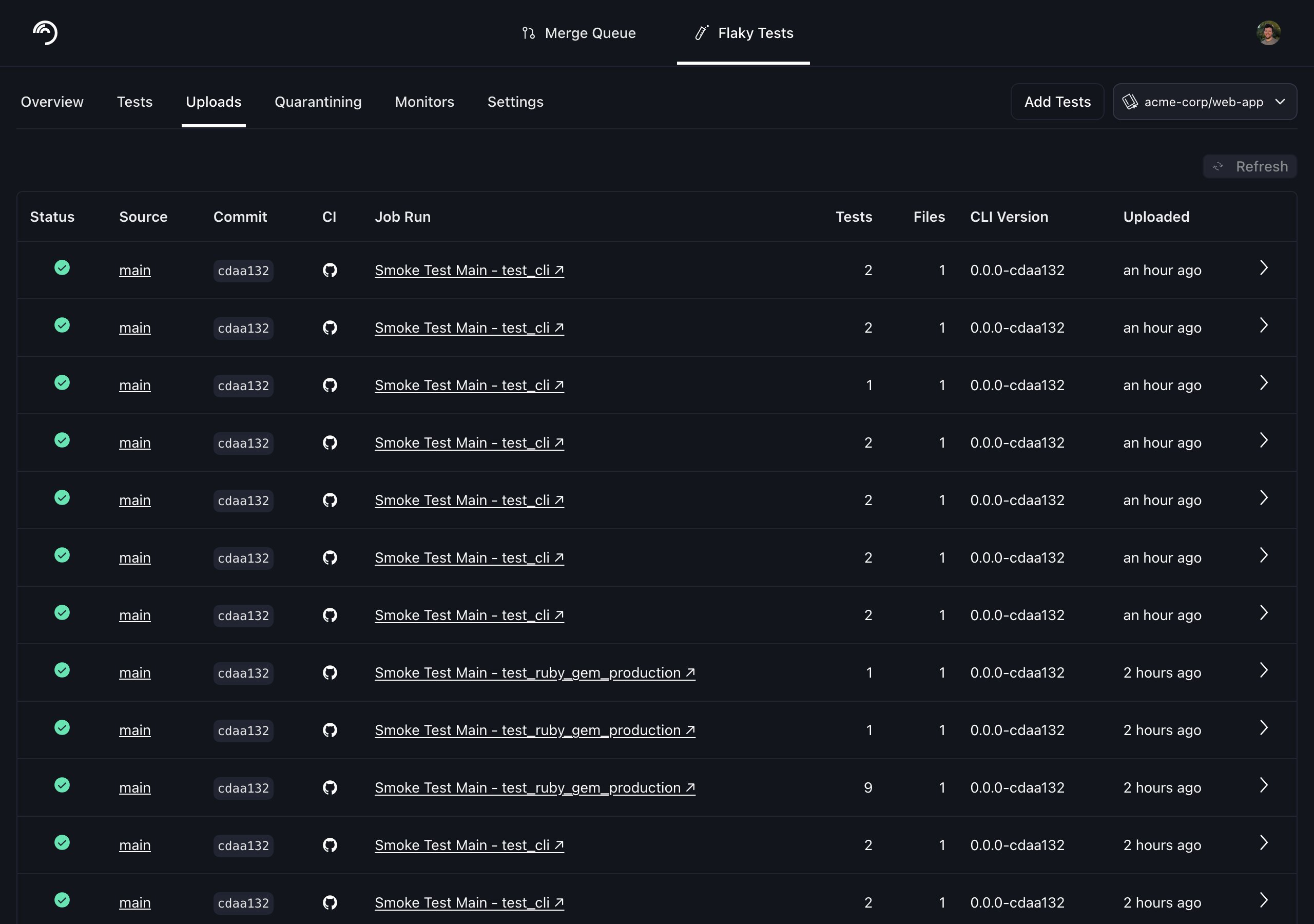
Before modifying your CI jobs to automatically upload test results to Trunk, try uploading a single test run manually. You make an upload to Trunk using the following command: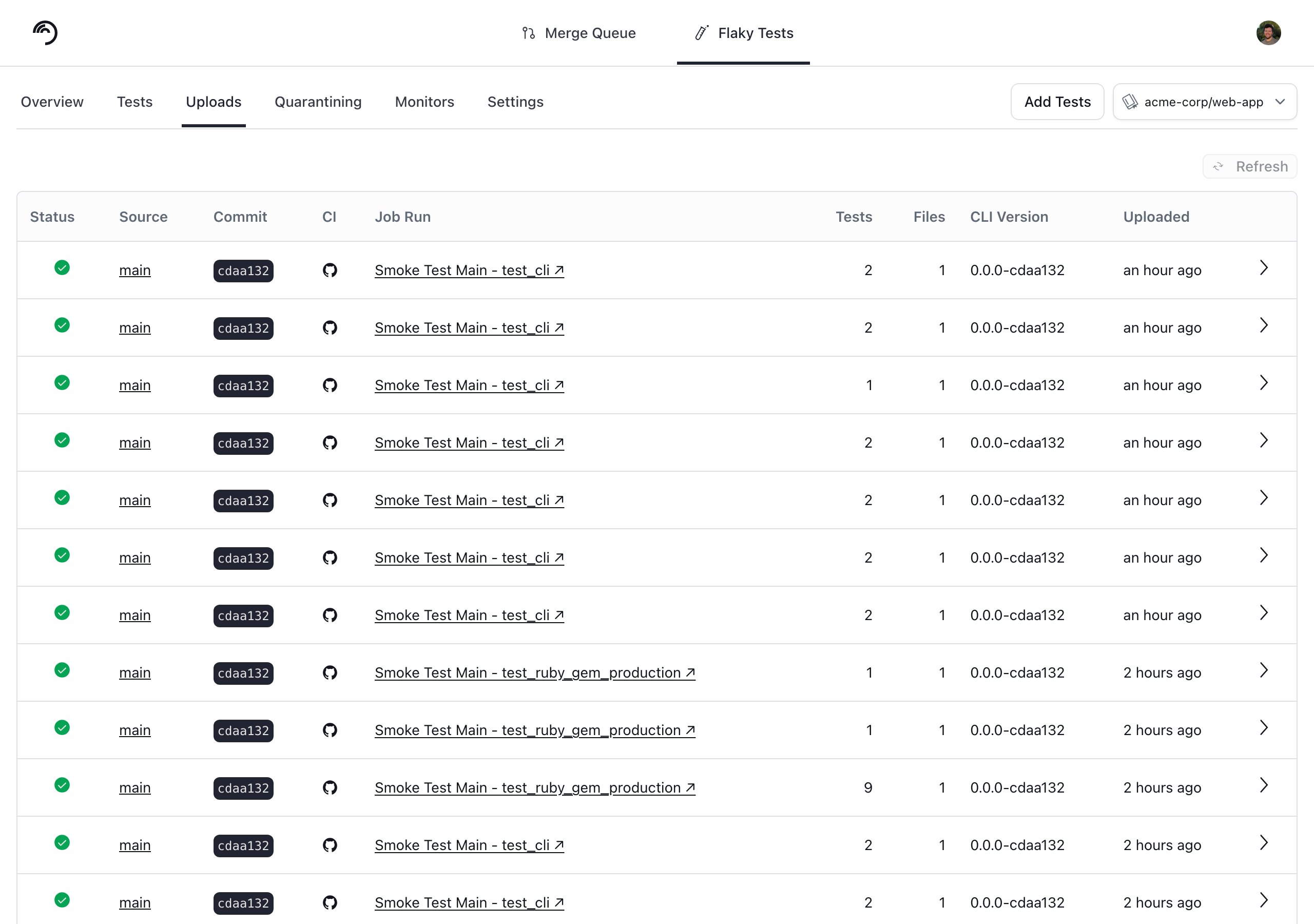
Attributing Tests to Their Declaring File
This is an opt-in beta. It requires
trunk-analytics-cli 0.15.5 or newer, macOS with Xcode or the Command Line Tools installed, and that you run the upload from the checkout that produced the bundle..xcresult bundle records where a failure was raised, which is not always where the test is written: a failure raised inside a shared helper points at the helper, and a test that passed carries no path at all.
Pass --use-experimental-xcresult-test-locations to take each test’s file from where it is declared instead. Trunk resolves declarations by asking a language server — sourcekit-lsp for Swift and clangd for Objective-C, both shipped with the Xcode Command Line Tools — for the symbols in your checkout:
- Passing tests get a file for the first time, so CODEOWNERS attribution covers your whole suite rather than only the tests that failed.
- A failure raised in a helper or a dependency is attributed to the test’s own file.
- The bundle is read without the legacy
xcresulttool get objectcalls, which are the expensive part of parsing a large.xcresult.
+testInvocations — have no declaration to find, and may end up with no file at all.
You can also enable it with TRUNK_USE_EXPERIMENTAL_XCRESULT_TEST_LOCATIONS=true, which is the easier form in CI. To turn it back off, unset that variable rather than setting it to false. If you pass a value on the command line it needs an = and not a space: --use-experimental-xcresult-test-locations=false.
Trying It on a Bundle You Already Have
You can see exactly what the flag changes before sending anything to Trunk. Run it from the root of the repository the tests were built from, against an existing.xcresult bundle or a freshly generated one:
--dry-run writes the bundle to ./bundle_upload instead of uploading it. Adding --disable-quarantining keeps the run fully offline, since the quarantine lookup is the one call --dry-run does not skip.
Count how many test cases came out with a file:
-v to see which file each test resolved to:
Tuning for Objective-C
clangd answers roughly an order of magnitude more slowly per file than sourcekit-lsp, so an Objective-C heavy repository can exhaust the time budget before every test resolves. If tests come back unresolved despite a checkout that matches the bundle, the budget is the knob to reach for first.
The scan is ranked so that files named after a test suite are parsed first, and stops as soon as every test resolves — so most repositories never reach these limits.
Next Step
Configure your CI to upload test runs to Trunk. Find the guides for your CI framework below:
Azure DevOps Pipelines

BitBucket Pipelines

BuildKite

CircleCI

Drone CI
GitHub Actions

GitLab

Jenkins

Semaphore
TeamCity

Travis CI